
AAAD
Tools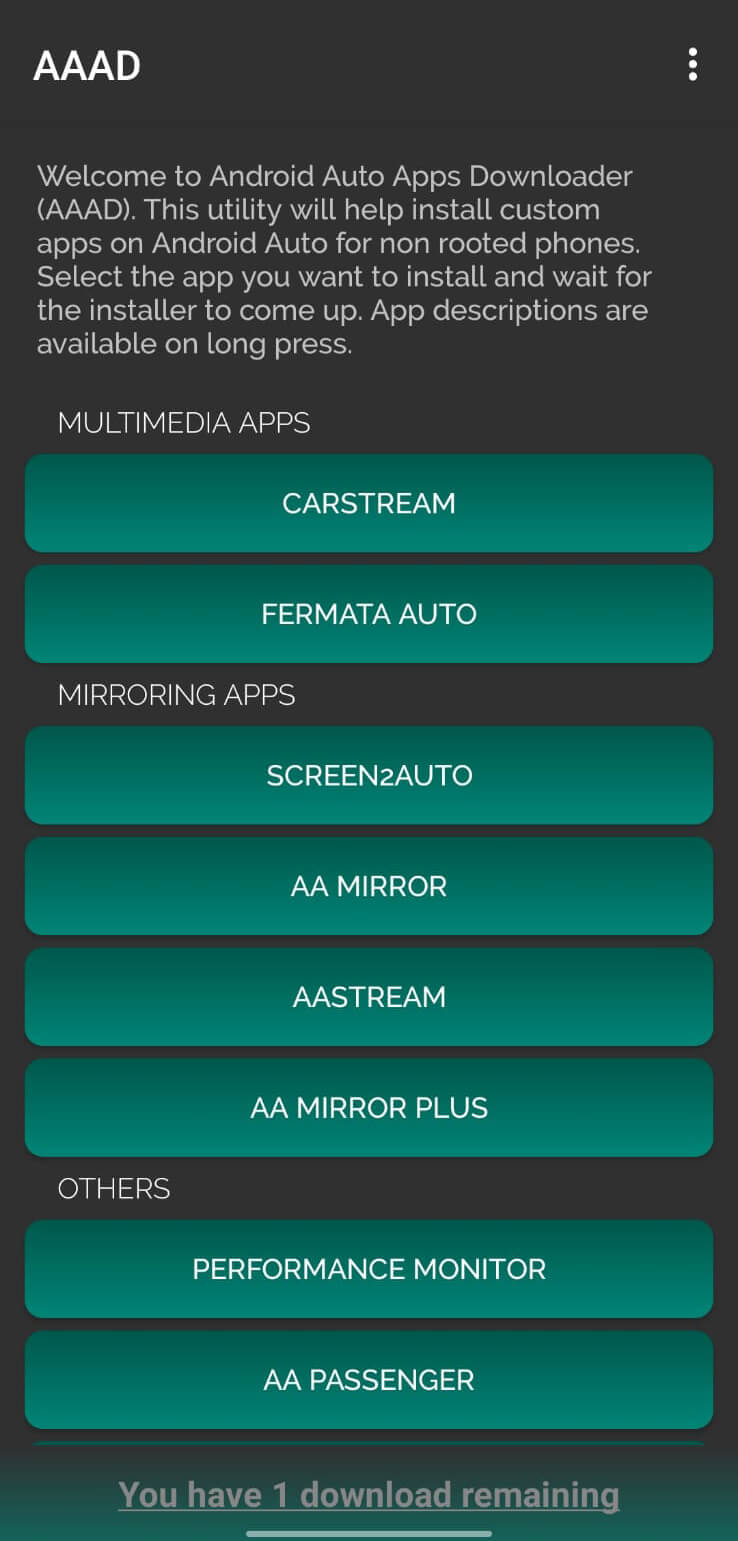
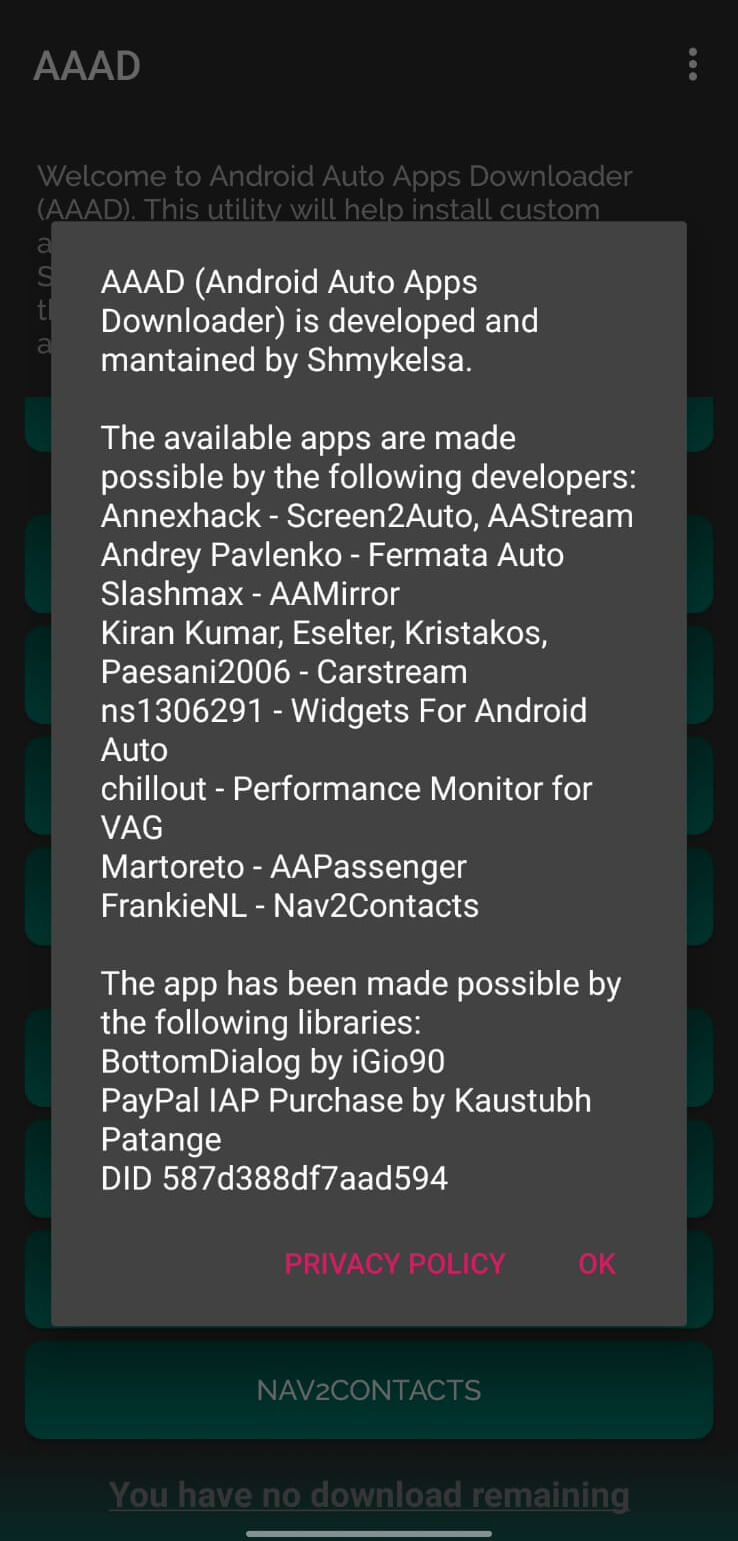
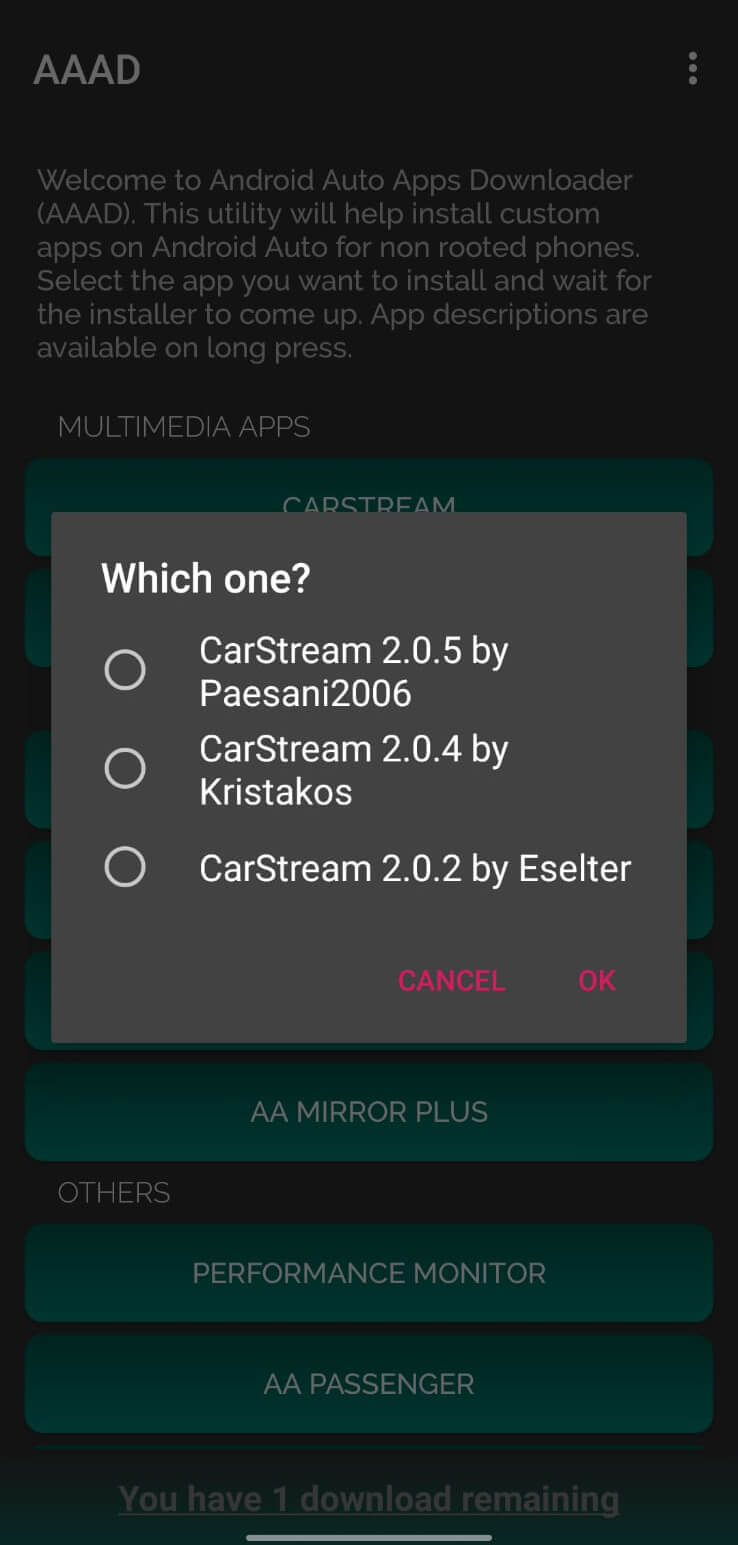

AAAD (Android Auto Apps Downloader) is a lightweight, open‑source utility designed for car owners who want to expand the functionality of Android Auto. It lets you browse, download, and install third‑party applications that are not available through the official Android Auto store.
This page provides the latest version information, installation guide, compatibility notes, and practical advice on using AAAD safely.
Quick Information
| App/Game Name | AAAD |
| Latest Version | 6.0 |
| Developer | Not listed |
| Category | Apps / Tools |
| App Size | 18 MB |
| Package Name | Not listed |
| Last Updated | 5 April 2024 |
What Is AAAD?
AAAD serves as a downloader and installer for unofficial Android Auto apps. By connecting your phone to Android Auto, the app can fetch compatible third‑party tools such as custom dialers, navigation widgets, and media extensions, then install them directly onto your device. It targets users who want more personalization or additional features beyond what the standard Android Auto ecosystem offers. Because it works with unofficial apps, the range of available extensions depends on what developers have released for Android Auto.
Compatibility
| Android Version | ✓ Verified — Android 6.0 and later |
| Architecture (ARM64 / 32-bit) | ✓ Verified — Supports common device architectures |
| Internet Connection | ✓ Verified — May be required for ads, updates, or login |
| Storage Needed | Not Verified |
| OBB/Data Files | Not Verified |
| Root Required | Not Verified |
How to Install
- Download the AAAD APK file from a trusted source.
- On your Android device, go to Settings > Security (or Privacy) and enable Install unknown apps for the browser or file manager you used.
- Open the downloaded
AAAD.apkand tap Install. - Once installation finishes, launch AAAD and grant any permissions it requests (e.g., storage access to save downloaded apps).
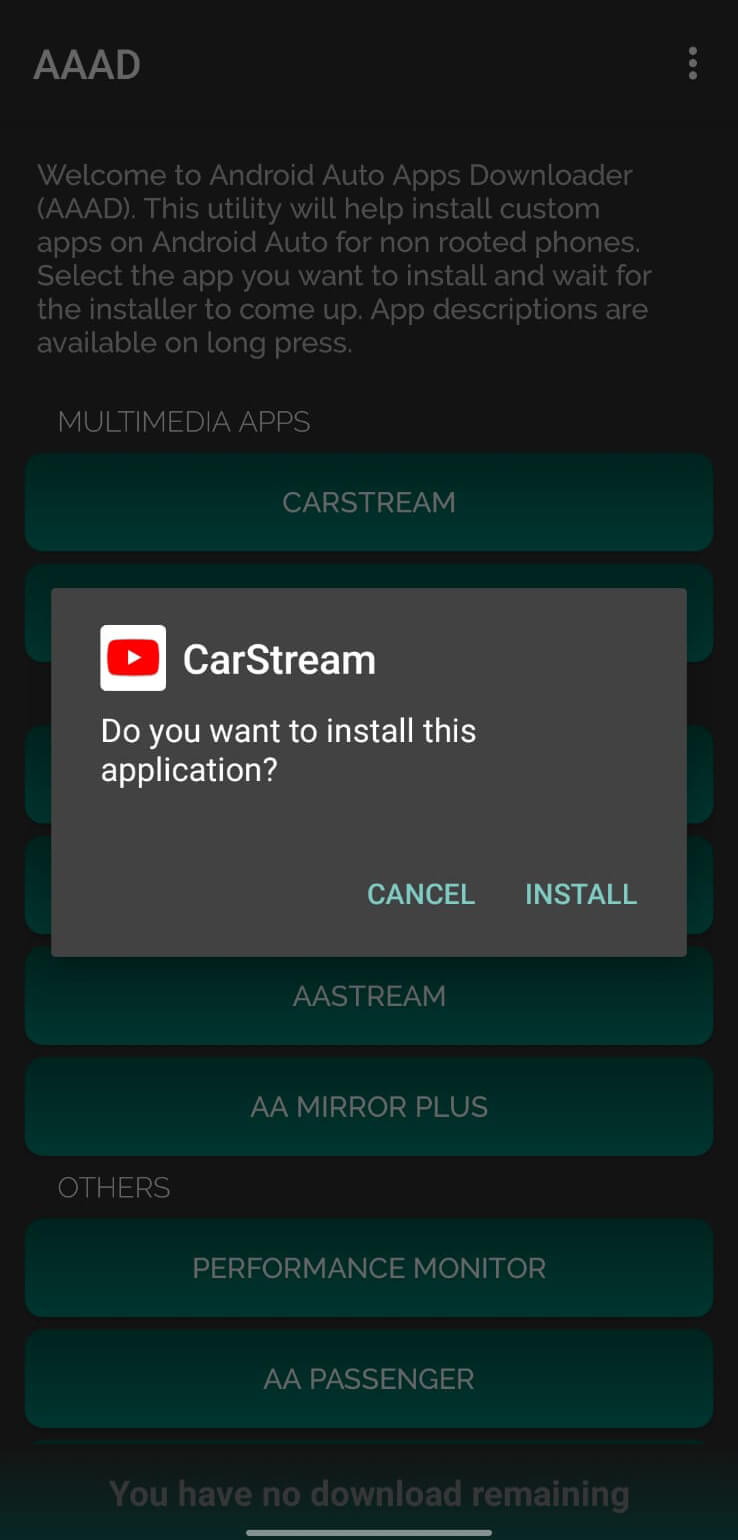
- Follow the in‑app prompts to browse and install third‑party Android Auto applications.
Troubleshooting
- App not installed error: Ensure unknown sources are enabled and that the APK matches your device’s architecture (ARM vs. x86).
- Crashes on startup: Verify you are running Android 6.0 or newer; clear app data or reinstall if the problem persists.
- Downloaded Android Auto apps won’t launch: Some unofficial apps may require additional permissions or a compatible Android Auto version.
- Permission issues: Grant storage and overlay permissions in the device settings; without them AAAD cannot save or display downloaded apps.
Safety & Security
AAAD is an open‑source project, which means its source code is publicly available for review. Nonetheless, because it deals with unofficial Android Auto apps, users should download the APK from reputable sites and verify the file’s integrity where possible. Review the permissions the app requests—storage access is required, but any request for sensitive data (e.g., contacts, location) should be scrutinized. Keep the app updated to benefit from community‑driven security fixes, and avoid entering personal credentials into third‑party Android Auto apps that you are not familiar with.
How AAAD Compares
| Feature | AAAD | Android Auto (official) | AutoMate – Car Dashboard |
|---|---|---|---|
| Price / Free model | Free, open‑source | Free (requires Google Play Services) | Free with optional premium upgrade |
| Platform availability | Android only | Android & iOS (Apple CarPlay) | Android only |
| Standout feature | Downloads unofficial Android Auto apps | Seamless integration with Google services | Customizable car‑dashboard widgets |
| Best for | Power users seeking extra Android Auto functionality | General drivers wanting a stable, Google‑backed experience | Drivers who want a personalized dashboard without rooting |
Alternatives
- Android Auto (official app) – Provides the standard, Google‑approved interface for navigation, messaging, and media. Ideal for users who prioritize stability and official support.
- AutoMate – Car Dashboard – Offers a customizable home screen with quick‑access widgets for music, navigation, and calls. Works without needing to install third‑party Android Auto extensions.
- Car Launcher Pro – A premium launcher designed for in‑car use, featuring large icons, voice commands, and integration with popular media apps.
Final Verdict
AAAD is a useful tool for Android Auto enthusiasts who want to explore unofficial apps and extend their in‑car experience. It’s lightweight, free, and open‑source, but it does rely on third‑party content that may vary in quality and compatibility. Users should verify downloads, keep the app updated, and be cautious about granting permissions. If you’re comfortable managing unofficial software, AAAD can add valuable flexibility to your Android Auto setup.
Frequently Asked Questions
AAAD itself is open‑source, but it downloads unofficial Android Auto apps, so you should obtain the APK from a reputable source and review permissions before installing.
No, AAAD works on standard (non‑rooted) Android devices; it only needs permission to install apps from unknown sources.
AAAD runs on Android 6.0 (Marshmallow) and newer, which covers the majority of modern smartphones.
AAAD can fetch third‑party Android Auto apps that are publicly available, but it cannot guarantee that every app will be compatible or stable.
Download the newest AAAD APK from a trusted site, uninstall the old version if prompted, and install the new file following the standard APK installation steps.
This can happen if the downloaded app is built for a different CPU architecture, conflicts with existing apps, or if required permissions were not granted.
Yes, AAAD can coexist with the official Android Auto app; they serve different purposes—AAAD for downloading extra apps, and the official app for core functionality.
The official Android Auto app provides a curated set of apps, and tools like AutoMate or Car Launcher Pro offer custom dashboards without needing third‑party downloads.